
Connect your headphones to the Dante network
The Dante Headphone Amplifier: converts a stereo L-R Dante signal into a headphone signal with a signal amplifier.
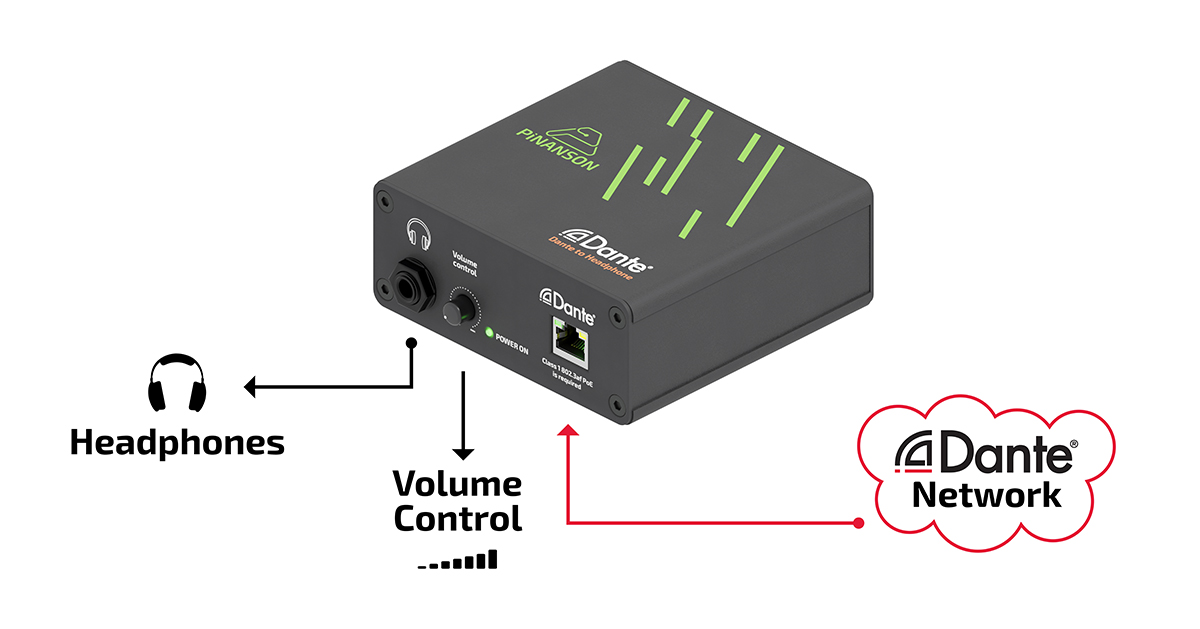
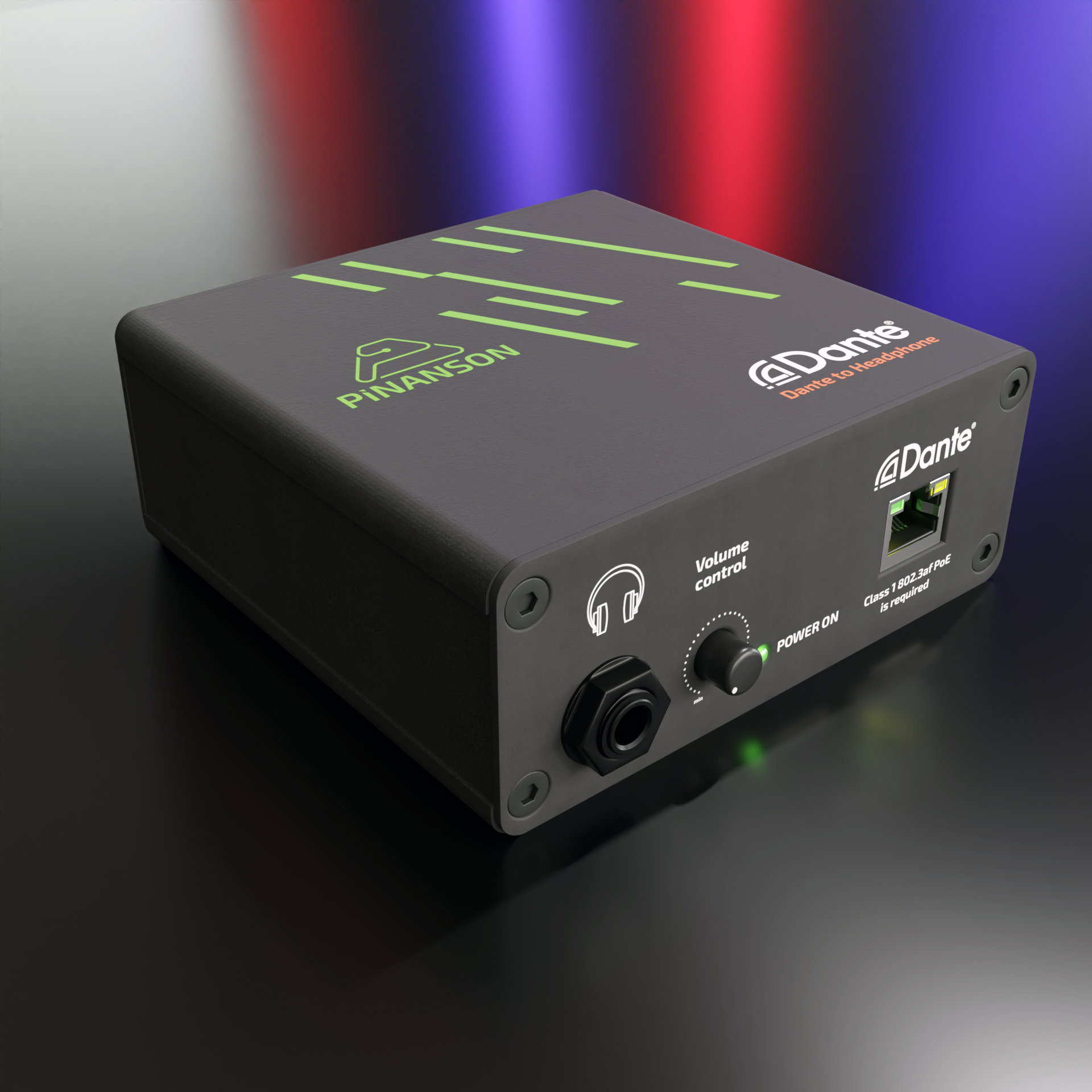
Using the Dante Controller software, route the signal from your Dante network that you want to listen to through headphones
You just have to select the source you want to listen to through headphones and the signal flow is configured. Using Dante Controller, you can configure the parameters of your network: such as sampling frequency ((44.1 kHz, 48 kHz, 88.2 kHz, 96 kHz) or input signal levels.
- Once the initial configuration of the network is carried out, the unit is plug-and-play: you only need to reconnect the network cable to listen through your headphones
- Using the power LED and the LEDs on the RJ-45 connector for the Dante signal, you can check the network signal status.
- You can adjust the output level of your headphones with the volume potentiometer on the box.
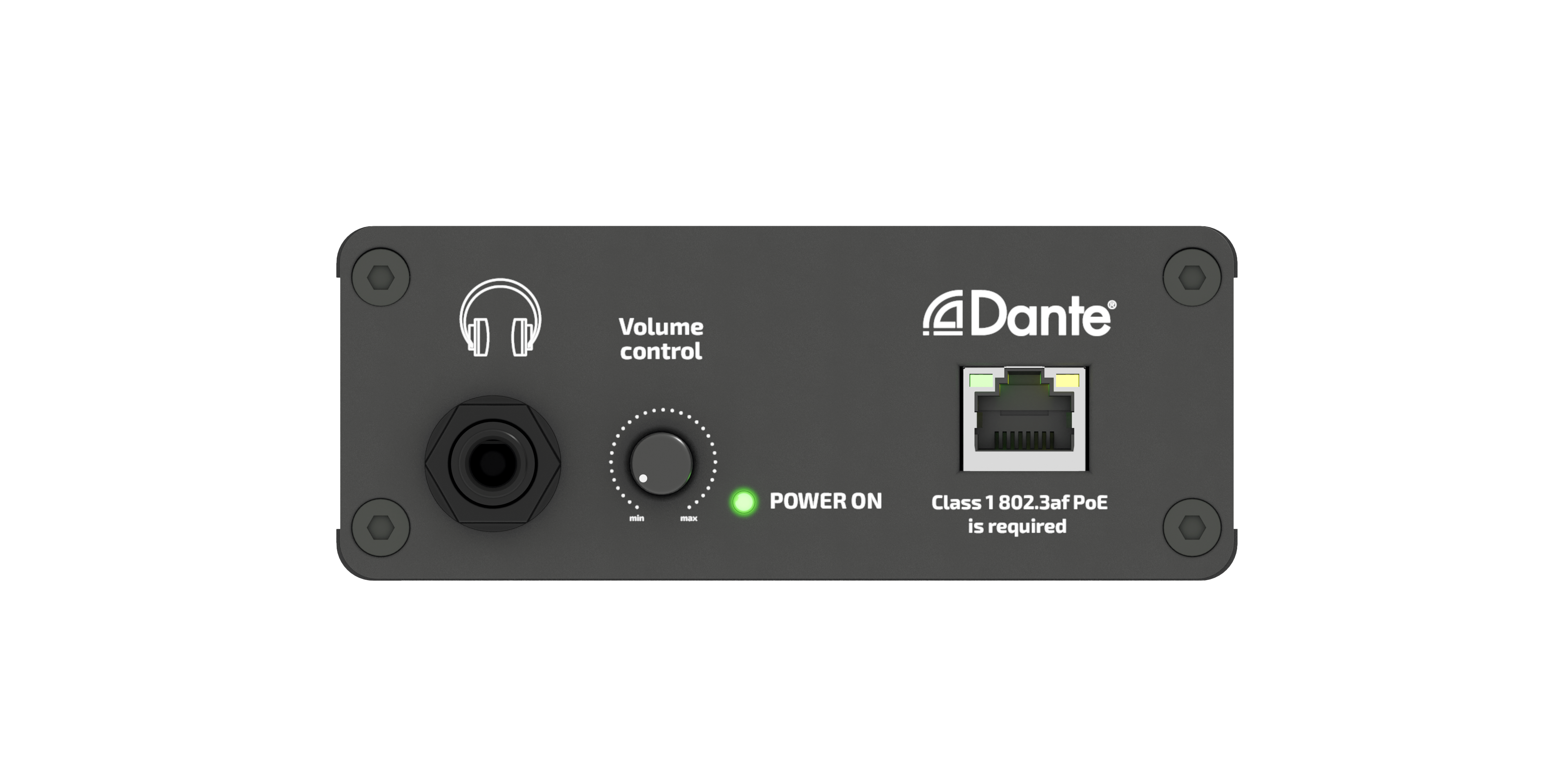
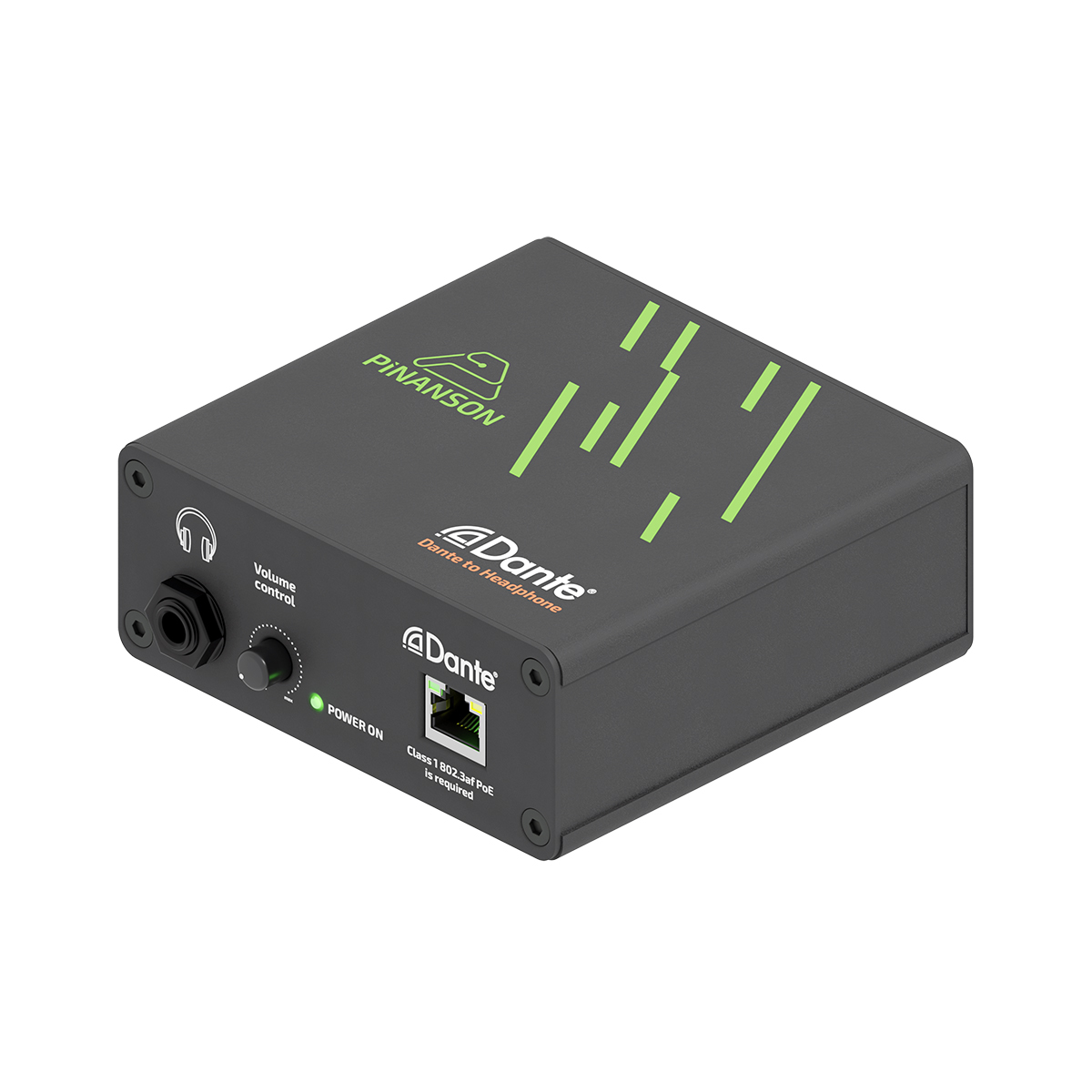
The equipment can incorporate a ¼” Jack headphone output (as in the image) or MINI Jack (to be chosen by the user). It is powered over PoE (IEEE 802.3af Class 1 PD), so it needs no mains connection; it must be connected to a PoE-enabled switch port.).
The MF box (image) allows you to leave it on any surface, but it can also be manufactured to be embedded in the wall, in a table box or even to be installed in a 19” rack.
CHARACTERISTICS
- Network connector: RJ45
- Headphone connector: Jack 1/4″
- Network bit rate: 100 Mbps
- Supported Sampling Rate: 44.1 kHz, 48 kHz (default), 88.2 kHz, 96 kHz
- Supported bit depth: 24 bit
- Reference Level 0 dBFS = 60 mW into 16 ohms